The AI Agent Revolution How Intelligent Assistants Are Taking Over Your Inbox Calendar and Workflow
By Stuart Kerr, Technology Correspondent
Published: 9 May 2026
Author Bio: https://liveaiwire.com/p/to-liveaiwire-where-artificial.html
Your Next Assistant Will Not Be Human
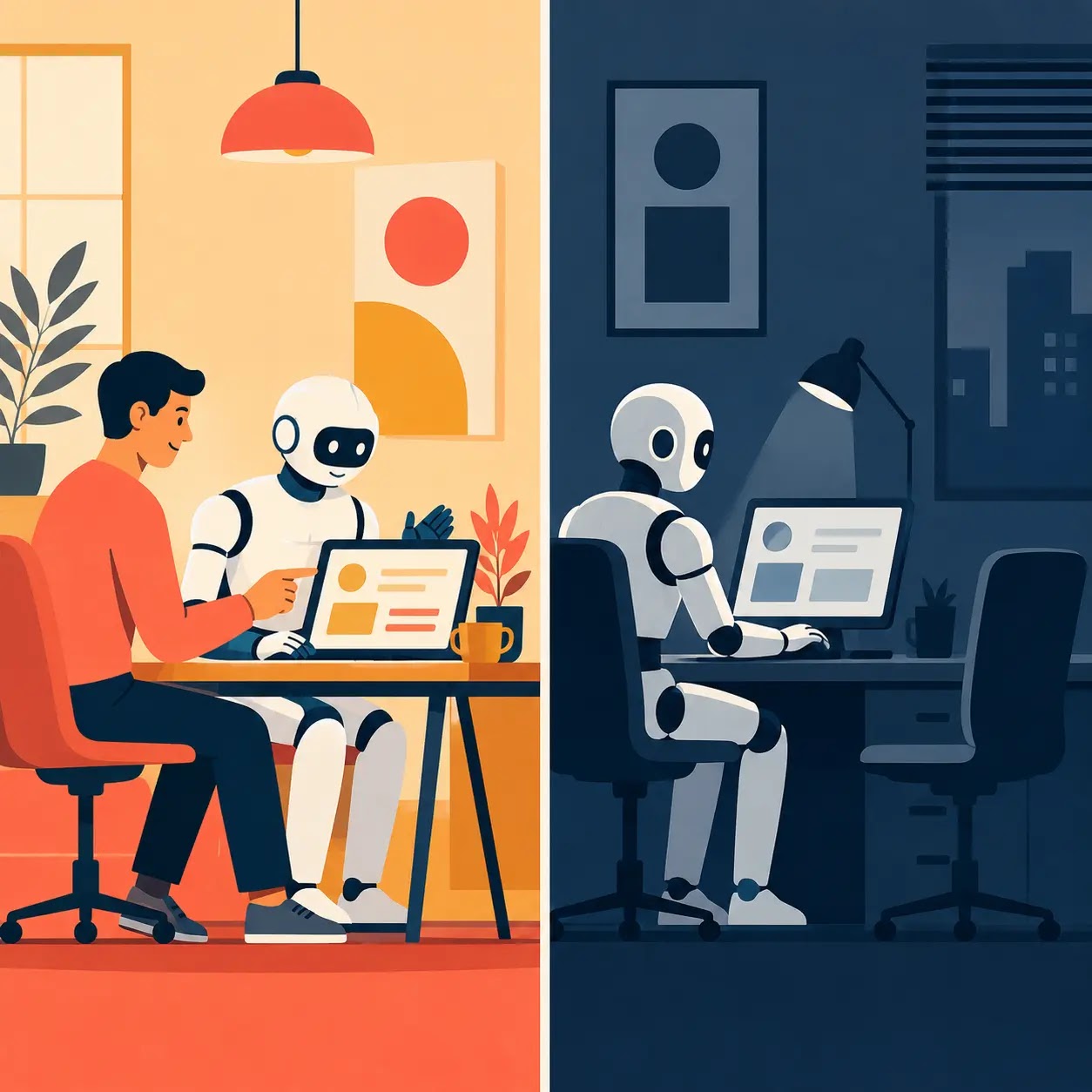
Something fundamental has shifted in how the most productive professionals manage their working lives in 2026, and it has nothing to do with working longer hours or using more apps. It is the arrival of AI agents: intelligent systems that do not just answer questions but autonomously take actions on your behalf across email, calendar, tasks, documents, and the tools you already use every day. The difference between an AI chatbot and an AI agent is the difference between a very knowledgeable colleague who gives you advice and one who actually does the work. The agent era is here, and understanding what is available, what it can realistically do, and where the limits still lie is now one of the most practically valuable things any professional can invest time in.
The numbers behind the problem these agents are solving are stark. The average professional spends 4.1 hours every day managing email alone. That is more than half of a standard eight-hour working day consumed by reading, sorting, drafting, and deleting messages before a single item of substantive work gets done. Add meeting scheduling, follow-up chasing, task organisation, and document management and the picture becomes even more striking. AI agents do not just speed up these tasks. They handle them autonomously, in the background, while you focus on the work that actually requires your judgment and expertise.
What AI Agents Actually Do That Chatbots Cannot
The distinction matters and is worth being precise about. A chatbot responds when you ask it something. An AI agent monitors your environment, makes decisions, and takes actions without being prompted every time. You set the parameters once and the agent operates within them continuously.
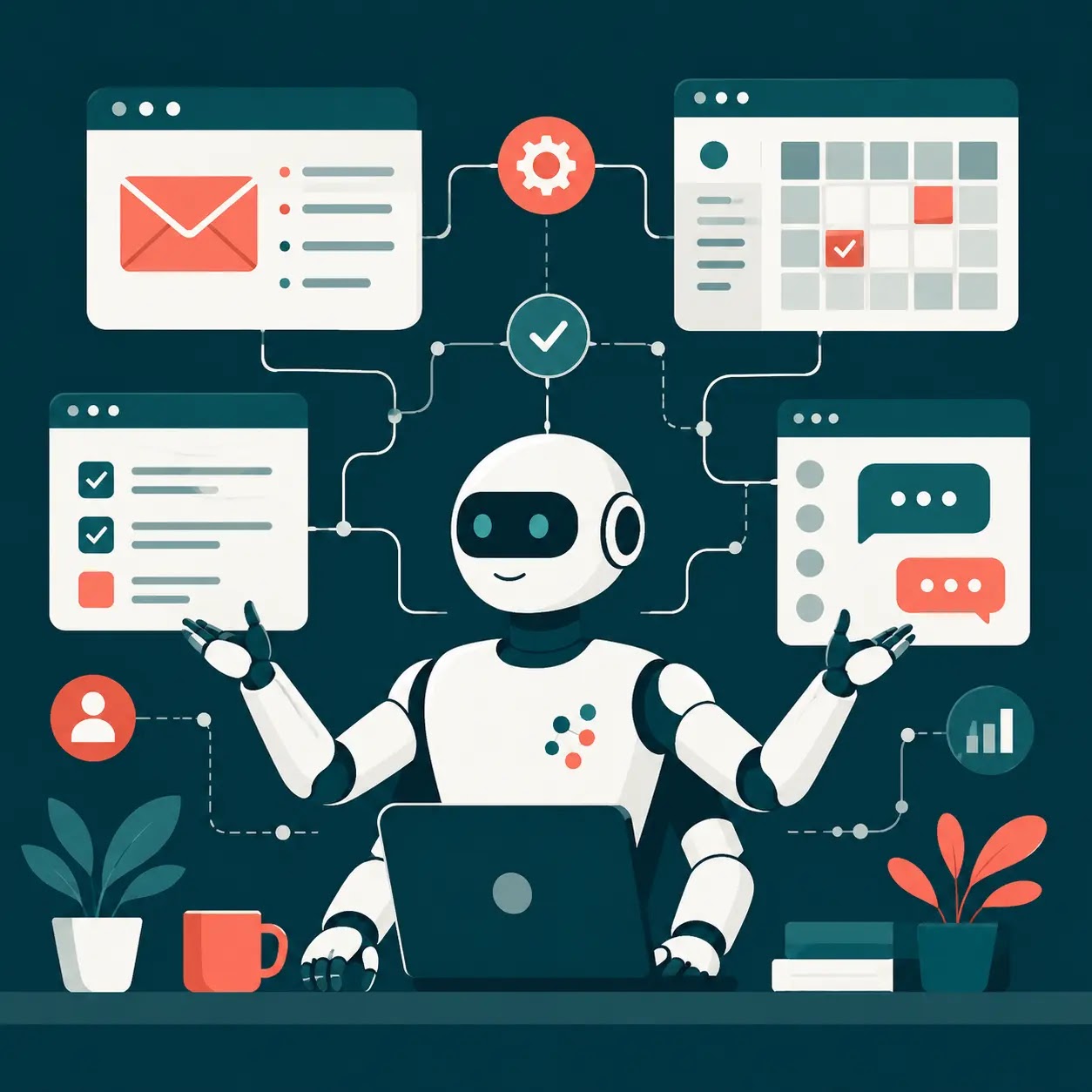
In practical terms, an email agent does not just help you draft a reply when you paste in a message. It monitors your inbox in real time, triages incoming mail by urgency and relevance, drafts contextually appropriate responses in your own writing style, flags the items that genuinely need your personal attention, and archives or handles everything else. A calendar agent does not just suggest a meeting time when you ask. It analyses all participants’ availability across time zones, detects conflicts before they become problems, reschedules automatically when priorities change, and protects blocks of focused work time without you having to think about it.
The shift from tool to agent is the shift from you controlling the software to the software autonomously managing parts of your working life within the boundaries you define.
The Leading Agents and What They Integrate With
Lindy has emerged as one of the most capable personal AI agents for professionals in 2026. It operates primarily through text, meaning you interact with it like messaging a human colleague. It learns your writing style and communication patterns over time, manages your inbox, drafts replies, schedules meetings, handles follow-ups, and connects to Gmail, Outlook, Google Calendar, Slack, Notion, Calendly, and hundreds of other tools through its integration layer. For individuals whose working lives involve high volumes of email and scheduling coordination, it is one of the most immediately impactful tools available.
Microsoft Copilot integrated into Microsoft 365 handles the classic executive assistant workload: email triage, meeting preparation, scheduling, reminders, and proactive nudges before things fall through the cracks. It integrates natively with Gmail, Outlook, Google Calendar, Slack, and the full Microsoft 365 suite. Enterprise plans include HIPAA compliance certification, making it suitable for regulated industries. It is available from $21 per user per month with a qualifying Microsoft 365 subscription.
Google Agentspace is Google’s enterprise platform for AI agents powered by Gemini. It connects deeply to Google Workspace including Gmail, Calendar, Drive, and Docs, and provides agents that search across your data, synthesise information, and take autonomous actions. Its Deep Research agent conducts multi-step research independently. NotebookLM Plus analyses long documents. For anyone whose professional life runs through Google Workspace, Agentspace represents the most deeply integrated option currently available.
ChatGPT workspace agents handle email triage, meeting prep, scheduling, and proactive workflow management. They became available through ChatGPT Business at $25 per user per month following a research preview that ended in early May 2026. They are optimised for individual productivity rather than team-wide process automation.
Zapier remains the most powerful option for connecting AI agents across the widest range of applications. Rather than a single agent with fixed capabilities, Zapier allows you to build custom automated workflows that connect AI reasoning with actions across more than 7,000 apps. It is more technically demanding to configure than Lindy or Copilot but offers unmatched flexibility for complex cross-platform workflows.
Reclaim.ai specialises in calendar intelligence, helping users reclaim up to 40 percent of their working week by intelligently scheduling focus time, meetings, breaks, and personal commitments. It protects deep work periods dynamically, rescheduling lower-priority items automatically when urgent work arrives.
The Integration Layer Is the Key
The single most important factor in choosing an AI agent is not its AI capability in isolation but the depth and quality of its integrations. An agent that handles email brilliantly but cannot connect to your project management tool, CRM, or document system creates a new friction point rather than eliminating an existing one. The most productive AI agent setups in 2026 are those where the agent can see context from multiple systems simultaneously, reading an email, checking calendar availability, referencing a relevant document in Drive, and taking appropriate action across all three in a single autonomous workflow.
This is why unified platforms are gaining ground over single-function tools. Cross-function integration studies consistently show 50 percent reductions in time spent on busywork when email, scheduling, and task management are handled by a single connected agent rather than separate tools. The cognitive overhead of managing multiple systems, switching between them, and manually transferring context from one to another is itself a significant productivity drain that unified agents eliminate.
As explored in How to Use AI to Save Time Every Day, the professionals reclaiming the most hours are those building simple, repeatable AI systems rather than chasing the most sophisticated individual tools.
What Agents Still Cannot Do Well
Honesty about limitations matters as much as enthusiasm about capabilities. AI agents in 2026 are genuinely powerful within bounded, well-defined workflows. They are less reliable in situations requiring genuine creative judgment, novel problem-solving, sensitive interpersonal nuance, or decisions with significant ethical complexity. An agent can draft a reply to a difficult client email, but whether the tone is precisely right for that specific relationship at that specific moment requires your judgment to verify before sending.
There is also a data privacy dimension that every professional should think carefully about. Granting an AI agent access to your inbox, calendar, and documents means that data is being processed by the agent’s underlying systems. For most commercial use cases this is fine, but for highly sensitive communications in regulated industries, understanding exactly what data is stored, for how long, and under what compliance framework is essential before deployment. Enterprise plans from Microsoft and Google include the most robust compliance certifications. Newer or smaller platforms should be evaluated carefully for regulated use cases.
As covered in AI Governance and the Open-Source Dilemma, the accountability frameworks around AI systems that take autonomous actions on your behalf are still developing. Understanding what an agent can and cannot do without your explicit approval, and setting those boundaries deliberately, is good practice with any agent you deploy.
Where to Start
The most practical entry point for most professionals is a single agent focused on their biggest time drain. If email consumes your mornings, start with Lindy or a Gmail-integrated agent and give it a clearly bounded task: triage incoming mail, draft replies to routine messages, and flag anything requiring personal attention. Run it for two weeks before expanding its scope.
If scheduling chaos is the bigger problem, start with Reclaim.ai or Motion, connect your calendar, and let it manage your focus time blocks and meeting scheduling for a fortnight. The time saving will be immediately measurable.
The agent era does not require a wholesale reinvention of how you work. It requires identifying where autonomous action would save you the most time, choosing the tool with the right integrations for your existing workflow, and building from there. The professionals who will feel the compound benefit of AI agents most strongly over the next two years are not those who adopted every tool at once. They are those who started simple, measured honestly, and expanded deliberately.
As explored in Will AI Really Take Your Job in 2026?, the workers thriving in the AI era are not those racing to be replaced but those using these tools to make themselves dramatically more productive and valuable. AI agents are the most concrete expression of that opportunity available today.
About the Author
Stuart Kerr is Technology Correspondent at LiveAIWire. He writes about artificial intelligence, ethics, and how technology is reshaping everyday life. Follow @LiveAIWire on X.