
By Stuart Kerr, Technology Correspondent, LiveAIWire
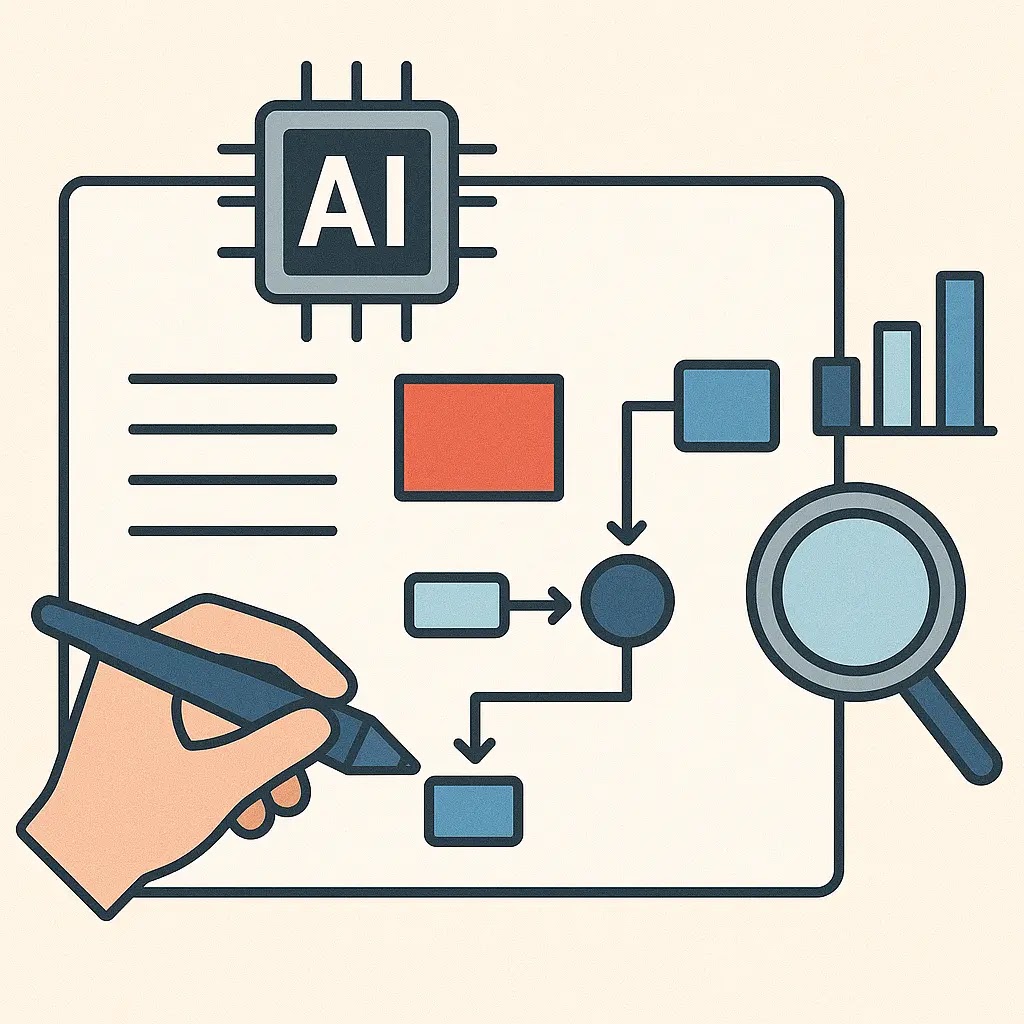
Canvas in AI Labs is Google’s answer to a problem every long research task shares: a single search result never captures a multi-step project. Announced on 29 July 2025 as part of a wider update to AI Mode, Canvas gives users enrolled in the AI Mode Labs experiment a persistent, two-dimensional workspace inside Search, one that survives across multiple sessions rather than resetting with each new query. Where a normal search returns a list of links, Canvas assembles information into a structured, revisable plan, and it has since evolved well beyond the study-planning tool it launched as.
The shift matters because it changes what people expect a search engine to do. Robby Stein, Google’s VP of Product for Search, described the accompanying Search Live feature as being like having an expert on speed dial who can see what you see and talk through concepts in real time, a framing that applies just as directly to Canvas’s role in sustained, multi-session planning.
How Canvas Actually Works
To start a Canvas, users click the new Create Canvas button inside AI Mode and describe what they are working on, a test to study for, a trip to plan, a dashboard to track a project. AI Mode then builds an initial structure inside a side panel, which users refine through ordinary conversational follow-ups rather than re-entering search queries from scratch. At launch, the feature supported uploading class notes or a syllabus to customise a study guide, with support for additional file types, including Google Drive files, added afterward.
What Canvas Can Do Now That It Could Not at Launch
By March 2026, Google expanded Canvas from a study and planning tool into something closer to a lightweight development environment, adding support for creative writing and coding tasks directly inside Search. Users can now draft full documents or build custom interactive tools and dashboards, with Canvas pulling in current information from the web and Google’s Knowledge Graph to populate a working prototype. One example Google highlighted was a scholarship-tracking dashboard built entirely from a natural language description, complete with deadlines, dollar amounts, and eligibility requirements laid out automatically. Canvas also became available to everyone in the U.S. in English at that point, moving beyond the original Labs-only rollout.
What This Means for How You Use Search
For students and anyone managing a multi-step project, the practical shift is that a search session no longer has to start from zero each time. A Canvas persists in AI Mode history, meaning a research project, study plan, or travel itinerary started on Monday can be picked up and refined on Thursday without repeating context. Combined with Search Live, which lets users point their phone camera at something and ask follow-up questions in a real-time conversation, Google is positioning AI Mode as a sustained working environment rather than a single-query tool, a meaningfully different use case from traditional search.
The Trust and Dependency Questions This Raises
Not every implication of this shift is straightforwardly positive. As explored in our coverage of AI guardrails and bias mitigation, tools that structure information on a user’s behalf inherently shape which framing and which sources get surfaced, a curation decision that is easy to overlook when a tool feels helpful rather than editorial. Our reporting on AI’s invisible infrastructure role has tracked a similar pattern elsewhere. As AI systems take on more of the organisational and planning work people used to do themselves, understanding what assumptions and priorities are baked into that structuring becomes more important, not less, even when the tool in question sits inside something as familiar as a search bar.
Where This Fits Alongside Google’s Other Education AI Tools
Canvas does not operate in isolation. It sits alongside LearnLM, Google’s education-specific model family now integrated into Gemini 2.5, and features like Guided Learning and Learn Your Way, which our coverage of AI Mode in the classroom found produced measurable gains, a 9 percent improvement on immediate assessment and 11 percent on retention, in a controlled Google Research study. Canvas’s role is closer to organisation and planning than direct tutoring, but the two efforts share the same underlying bet, that AI’s value in education and knowledge work increasingly comes from sustained, structured engagement rather than one-off answers.
Canvas’s trajectory from a Labs-only study tool to a full-access workspace capable of drafting documents and building interactive dashboards, in under eight months, is a useful signal of how quickly Google is willing to expand a feature once early testing validates it. Whether that pace of expansion outstrips the governance and transparency questions genuinely structured planning tools raise is the more interesting question to watch, particularly as Canvas’s scope keeps growing well past what its original study-plan framing suggested.
About the Author
Stuart Kerr is Technology Correspondent at LiveAIWire, covering artificial intelligence, emerging technology, and their impact on business, society, and everyday life. LiveAIWire publishes original AI journalism every weekday at liveaiwire.com.